


When it comes to selling on Amazon, finding the right products is key to making a profit. But with over 600 million products listed, figuring out what to sell can feel overwhelming. So, how do you narrow it down? That’s where product research comes in.
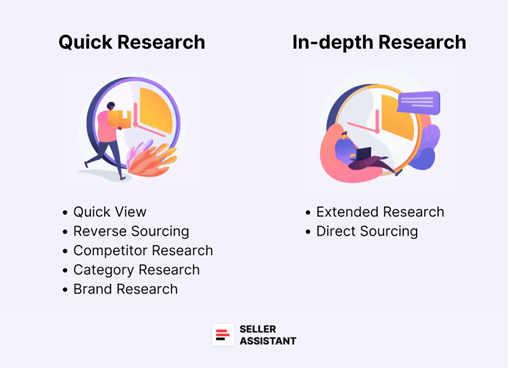
Product research is all about identifying products that are in high demand, have good profit potential, and aren’t heavily competitive. Sellers typically use two approaches: quick research to filter out bad options and in-depth research to focus on the ones worth pursuing.
We’ll break down 5 quick tactics you can use to filter products fast, and 2 advanced methods for a deeper dive. Plus, we’ll introduce you to a handy tool, Seller Assistant, which can help speed up your research process. It is an all-in-one software that incorporates all the features vital for product research.
Quick Product Research Tactics
Quick research aims to identify potential winning products without getting caught up in too many details initially. Focus on finding items with strong demand and manageable competition that you can realistically sell. Once you’ve narrowed down your choices, you can conduct a more in-depth analysis of the most promising options.
1. Quick View
The Quick View method is all about scanning the essential details of a product in a snap. Instead of clicking through each listing one by one, you can use Seller Assistant’s Quick View tool to get a quick snapshot of the product’s ASIN, Best Seller Rank (BSR), the number of sellers, and whether Amazon itself is selling it. This lets you quickly filter out products that aren’t worth your time, like those with too many competitors or ones you can’t even sell.
2. Reverse Sourcing (Supplier to Amazon)
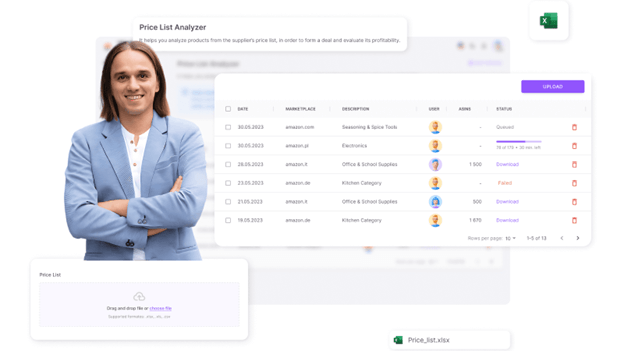
If you’re a wholesale seller, reverse sourcing is a great way to find products quickly. Instead of hunting through Amazon for products, you start with the price lists from your suppliers and work backward. You match the items to Amazon listings, checking for profitability.
Seller Assistant’s Price List Analyzer can automate this process by scanning your supplier’s list, matching it with Amazon, and calculating key profitability metrics like ROI, Best Seller Rank, and Amazon fees. This saves you a ton of time!
3. Competitor Research
One of the best ways to spot new opportunities is to see what your competitors are doing. By checking out their listings, you can find popular products that might have less competition or discover items you haven’t thought of selling yet.
Using Seller Assistant’s Seller Spy, you can track your competitors automatically—this tool will show you what products they’re adding to their inventory, how they’re pricing things, and more. It’s a great way to see where you can fill gaps in the market.
Also Read: Monitor Competitors’ Prices on Amazon: Benefits and Strategies

4. Category Research
Choosing the right product category is crucial. Some categories have crazy competition, while others might be a better fit for your business. When researching categories, check the number of FBA (Fulfilled by Amazon) and FBM (Fulfilled by Merchant) sellers, as a higher seller count means more competition.
Seller Assistant’s Quick View helps here too, by showing you the seller counts and whether or not you’re eligible to sell in that category. A quick glance can tell you if the category is overly competitive or restricted for your account.
Also Read: How to Pick a Great Product to Sell on Amazon
5. Brand Research
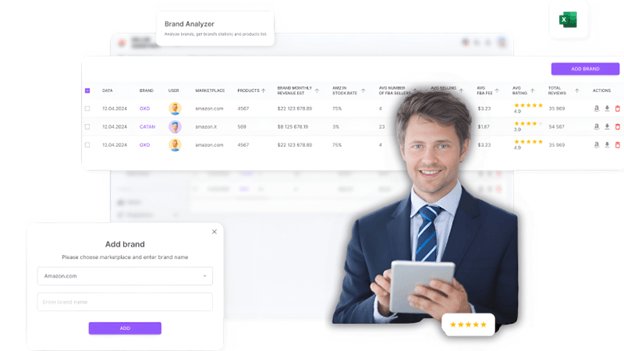
Picking the right brand can make all the difference. When you’re looking into a brand, you want to check if its products are popular and if the competition is manageable. Ideally, look for brands with a wide product range (over 200 items) so you have plenty of options to choose from.
Also, keep an eye on the Buy Box—if Amazon owns more than 30% of it, there’s a lot of competition. And of course, check if the brand is restricted or has a lot of intellectual property (IP) complaints.
You can use Seller Assistant’s Brand Analyzer to easily check out the brand’s product count, competition, and customer feedback, which will help you make smarter choices.
Advanced Product Research Tactics
Once you’ve done your quick research and found some promising products, it’s time to dive deeper. These tactics will help you make sure you’re not missing anything important and that the product is truly worth selling.
6. Extended Research
This tactic is about taking a closer look at products before you decide to buy. You want to check out sales potential, competition, listing history, and profitability in more detail. This helps make sure you’re not jumping into a product that looks good on the surface but has hidden risks.
Seller Assistant Extension is designed for this exact type of in-depth research. It automatically shows up on Amazon product pages, giving you all the key metrics you need to decide whether a product is worth selling.
7. Direct Sourcing (Amazon to Supplier)
Direct sourcing is the opposite of reverse sourcing. Instead of starting with suppliers, you start with Amazon itself. Look for high-demand products on Amazon, then find suppliers who can offer them at a lower price. This is a great strategy for online arbitrage sellers or dropshippers who want to buy low and sell high.
To find popular products, check out sections like Amazon Best Sellers, Movers & Shakers, Hot New Releases, and Most Wished For. Once you have a list of hot products, the next step is finding a supplier who can sell them to you at a cheaper price and then following the research steps described in the Extended research tactics above.
How Do I Identify Trending Products to Sell on Amazon?
To identify trending products on Amazon, monitor Amazon Best Sellers and Movers & Shakers to spot rising demand early. Validate those products using research tools and Google Trends to confirm consistent sales and growing interest. Finally, check price history and profitability to ensure the trend is sustainable and worth scaling.
1. Analyze Amazon’s Internal Trends
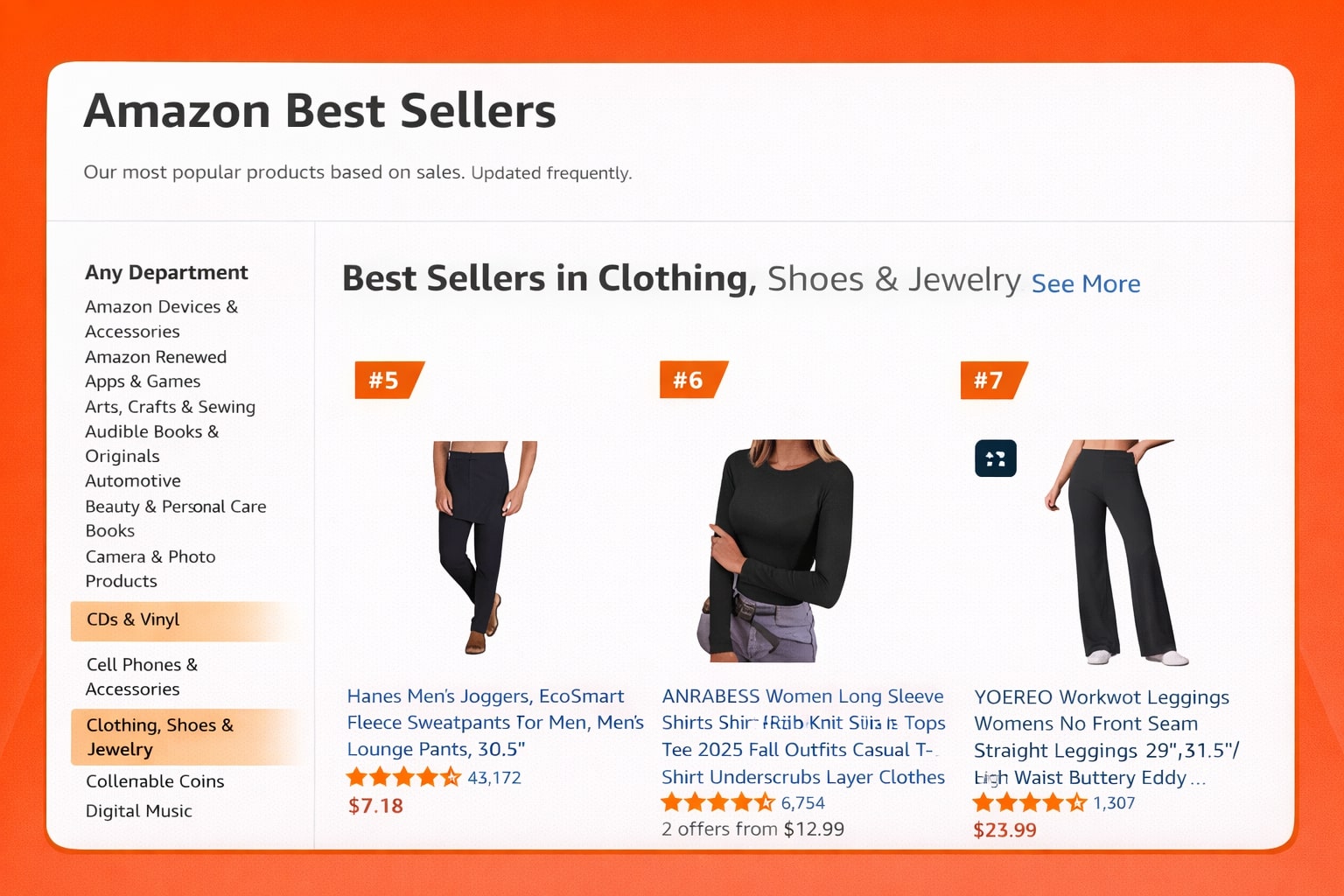 Start by reviewing Amazon’s internal trends to see which products are gaining traction within specific categories. Search the following trends:
- Best Sellers: Shows the top-selling products in every category, indicating current popularity.
- Movers & Shakers: Highlights products with the biggest recent gains in sales rank, signaling rapidly rising demand.
- Hot New Releases: Discover new products gaining traction quickly.
2. Validate Demand with Product Research Tools
Use tools like Jungle Scout and Helium 10 to analyze estimated monthly sales, revenue trends, and competition levels. Look for products showing consistent growth with moderate review counts, as these are easier to enter and scale. You can also use keyword tools to find high-volume product keywords.
3. Cross-Check Market Trends Outside Amazon
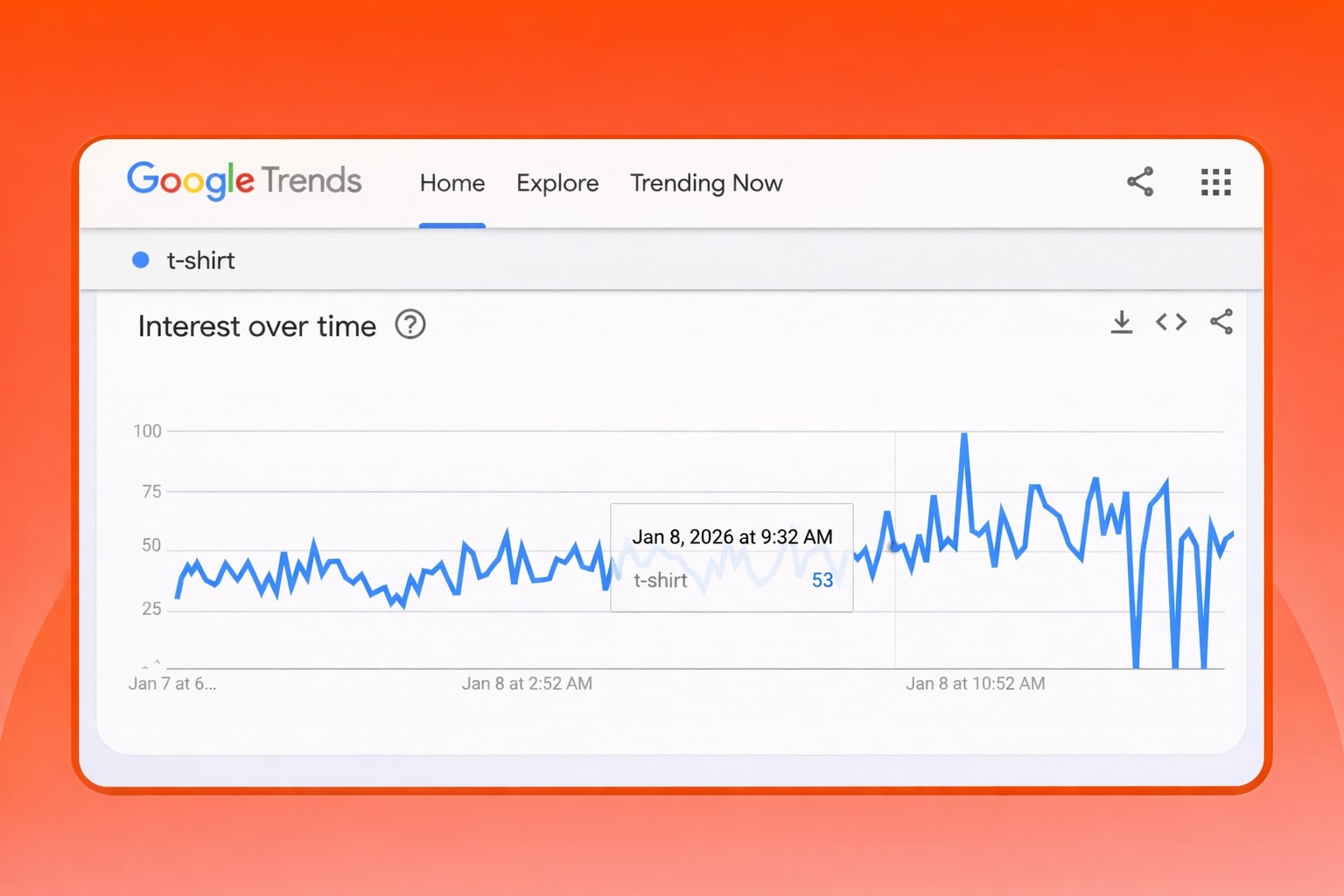
Confirm trends using Google Trends to ensure search interest is rising over time. Social platforms such as TikTok and Instagram are also valuable for spotting emerging products early, often before they become highly competitive on Amazon.
4. Review Price History and Sales Stability
Check historical price and ranking data using tools like Keepa. This helps determine whether a product’s popularity is seasonal or sustainable and ensures pricing stability for healthy margins.
5. Evaluate Profitability and Product Feasibility
Calculate total costs including sourcing, shipping, Amazon fees, and advertising. Prioritize lightweight, non-fragile products with no patent or brand restrictions, as these are easier and cheaper to scale.
What Are the Best Product Research Tools for Amazon?
Here’s a list of the best Amazon product research tools:
- Amazon Product Opportunity Explorer: Amazon’s own Product Opportunity Explorer provides data directly from the marketplace. It highlights emerging niches, customer search behavior, and demand trends, making it a reliable source for spotting product ideas backed by real Amazon data.
- Seller Assistant: Seller Assistant is a powerful Chrome extension focused on fast, on-page product analysis. It shows key metrics such as sales estimates, competition level, IP alerts, and profitability directly on Amazon listings, making it especially useful for wholesale, online arbitrage, and quick product validation.
- Helium 10: Helium 10 is an all-in-one Amazon research suite widely used by professional sellers. Its Black Box tool helps uncover high-demand, low-competition products, while built-in trend and sales estimates make it easier to validate ideas before investing.
- Jungle Scout: Jungle Scout is known for its beginner-friendly interface and accurate sales estimates. It allows sellers to analyze product demand, competition levels, and niche opportunities, making it ideal for discovering trending products and evaluating market potential.
- Keepa: Keepa is essential for understanding price history and sales rank trends. By analyzing long-term data, sellers can identify seasonality, avoid short-lived fads, and ensure a product’s demand is stable before launching.
- AMZScout: AMZScout offers an affordable product database and Chrome extension for quick product validation. It’s a solid choice for sellers who want straightforward insights into sales volume, competition, and profitability.
Final Thoughts
Product research might seem overwhelming at first, but with the right tactics and tools, it becomes much more manageable. Using tools like Seller Assistant, whether it’s for brand research, competitor tracking, or detailed product analysis, can save you a lot of time and help you make smarter decisions.
By using quick research methods and diving into advanced tactics when necessary, you can find high-margin, profitable products to sell on Amazon and avoid wasting time on bad deals.